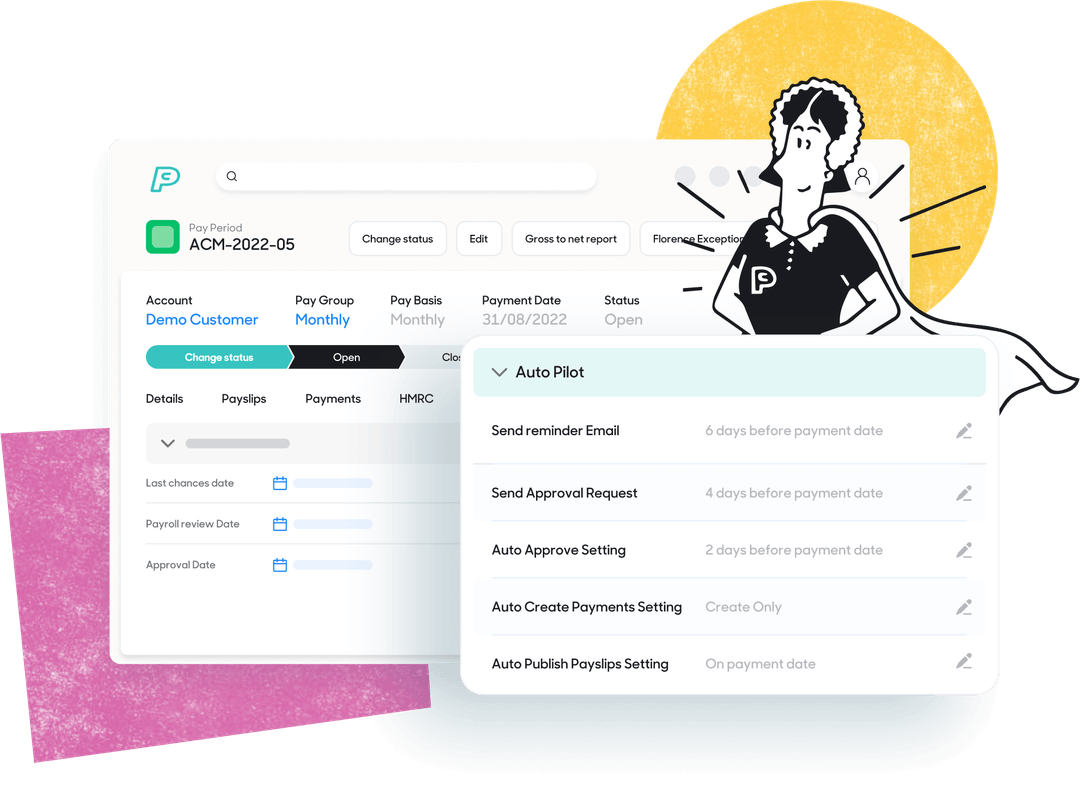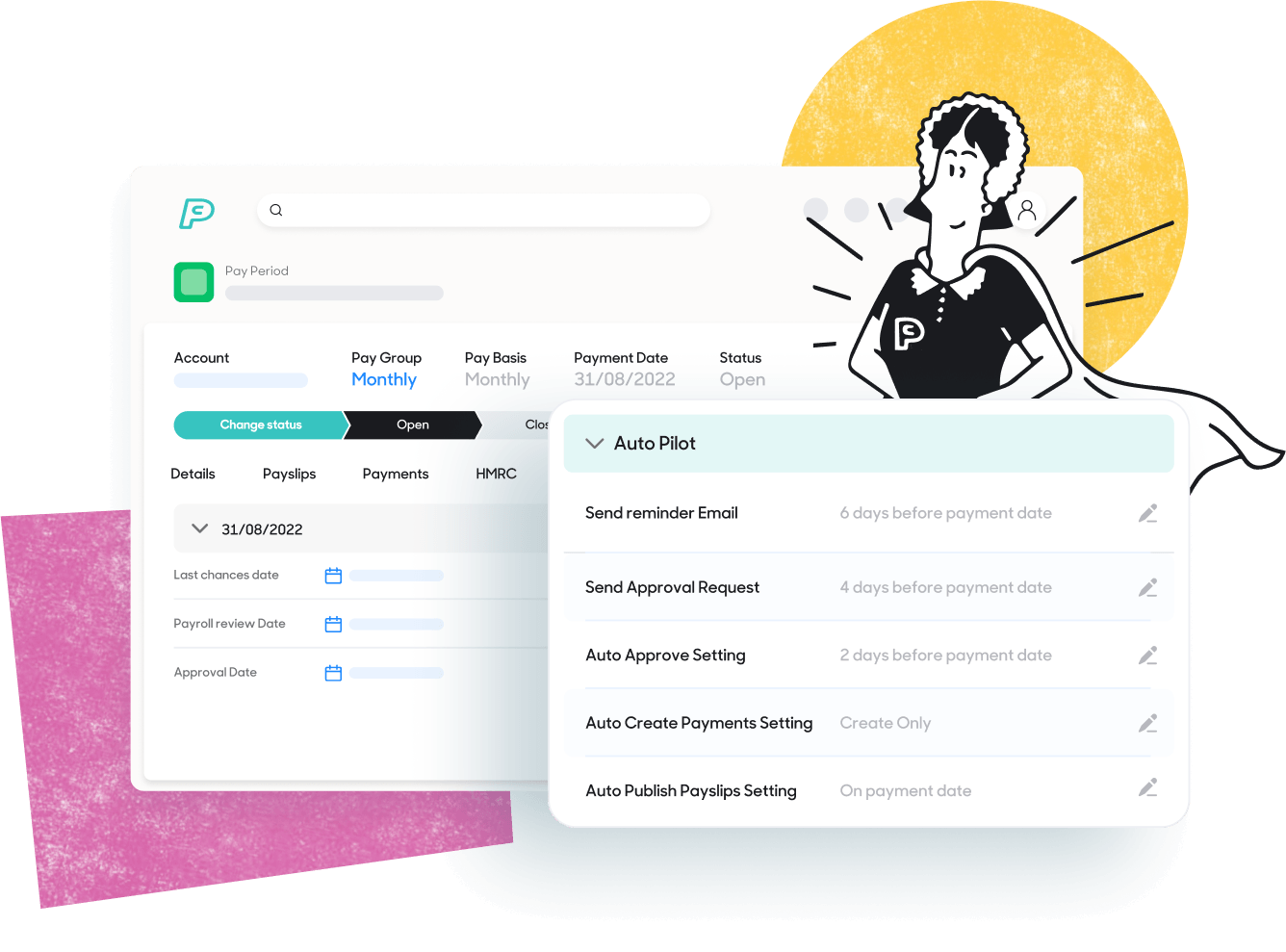


Payroll audits once meant pulling reports, reviewing payslips and cross-checking nothing was missed before submission at year end. Today, auditing payroll is a seamless, automated process that runs in the background with every pay run.
With PayCaptain, payroll audit procedures are no longer performed manually. PayCaptain continuously checks data accuracy, compliance with payroll legislation and alignment with HMRC Real Time Information (‘RTI’) long before payments are approved.
Florence, PayCaptain’s intelligent AI-enriched payroll engine, automates previously lengthy and repetitive tasks. These include exception checking and data validation. Florence checks complex calculations quickly and minimises human error. She performs payroll audits automatically on an ongoing basis.
This ongoing approach means errors or areas for checking are spotted early. It also means compliance risks for large businesses and for enterprise payroll are reduced and business leaders can stay confident that payroll is correct.
What is a payroll audit and why do they matter?
In the past, payroll teams performed a full payroll audit at the end of the tax year. Data was reviewed line by line, with manual corrections and reconciliations made before the final submission. That’s no longer the case.
With RTI, every pay run is reported to HMRC in real time, so auditing payroll is now continuous. Errors can be corrected immediately rather than at year-end.
For medium-sized and large employers, this shift means:
- Fewer pay errors and rework
- Faster fixes when employee data changes
- Clear, traceable records for HMRC or The Pensions Regulator (‘TPR’)
- Peace of mind that payroll remains compliant all year
In PayCaptain, every payroll run includes built-in checks, informational flags and variance summaries so businesses always see what’s changed and can check payroll before it’s submitted.
Book a demo to see automated payroll audits in action
What information does a payroll audit check?
Payroll audits cover the data that determines how people are paid and taxed. PayCaptain’s automated payroll audit looks at every key element, from employee information to tax codes and benefits. The payroll software then highlights anything that needs review.
Checking employee data and bank details in a payroll audit
Incorrect employee data is one of the most common payroll issues. Small errors can cause missed payments, pension mismatches or HMRC queries.
PayCaptain automatically flags:
- Missing bank details
- High or unusual gross pay values that may indicate an input error
Changes to personal data can flow directly from the business’s HR system or be made by employees via self-service. PayCaptain highlights them for review so the employer knows what has changed.
By maintaining accurate data - including names, dates of birth and National Insurance numbers - the business prevents failed payments and protects pension and HMRC records.
Tax code, PAYE and NI checks in a payroll audit
HMRC sends new tax code updates through RTI. Changes can arrive any day of the year, and on multiple occasions for an employee if their benefits change mid-year. PayCaptain’s HMRC-recognised payroll software receives these updates automatically, applies them and flags the changes in the variance report.
The audit trail shows exactly when the change was received and applied. If an employee disputes a code, they must contact HMRC directly, as payroll must use the official code supplied by HMRC.
Automated auditing ensures PAYE and National Insurance calculations are always correct and compliant with the latest payroll legislation.
Keep my business compliant with automated payroll audits
Time data, pay rates and overtime
Payroll accuracy depends on reliable time and attendance data and correct pay rates. PayCaptain integrates with multiple scheduling and time-tracking systems. Approved hours and pay data are imported directly into payroll using APIs.
As part of the continuous audit process, PayCaptain flags unusual patterns such as overtime spikes or extended absences. These checks help manage:
- Fair pay for all hours worked
- Accurate holiday pay calculations
- Compliance with the National Minimum Wage rate (‘NMW’)
Each audit ensures the data received is checked and correctly signed off through the approvals process.
How PayCaptain audits benefits and deductions
Company benefits such as healthcare, gym memberships or company cars can change. Variance reports will flag a sudden increase in a benefit for human checking and verification.
PayCaptain supports both payrolling benefits in kind – taxing benefits through payroll - and traditional P11D reporting. From April 2027, all benefits must be reported and taxed through payroll.
Automated benefit submissions and audits help ensure accurate PAYE and NI deductions and keeps them up to date throughout the year.
Pensions and auto enrolment payroll audit checks
Auto-enrolment (‘AE’) rules are enforced by The Pensions Regulator (‘TPR’). Non-compliance can result in large fines and severe reputational impacts. The following must be checked:
- Employees are in the right pension category based on their age and earnings
- Minimum contributions are deducted
- Enrolment and postponement rules are applied correctly
PayCaptain’s payroll team performs checks and keeps documentation to confirm contributions and enrolments are in place.
Accurate pension auditing lowers the risk of missed contributions and ensures the business stays within AE regulations.
How PayCaptain supports GDPR and payroll data protection
Payroll data includes names, addresses, National Insurance numbers and bank details. This is all classed as personal data under UK GDPR.
PayCaptain is ISO27001 certified and uses strict access controls, encryption and secure storage to protect payroll information. Audit logs show who accessed data and when, helping employers demonstrate compliance.
Under UK GDPR, businesses must also manage Data Subject Access Requests (‘DSARs’). These are employee requests for copies of their personal data. With PayCaptain, payroll data can be located quickly and shared securely, making DSAR handling simple and compliant.
These processes protect both the business and employees from data breaches and ensure payroll information is handled lawfully.
Minimum wage vigilance in payroll audits
National Minimum Wage compliance is critical. HMRC publishes a ‘name and shame’ list of employers who fall below the legal rates. No employer wants their name published on this list as it effects both reputation and trust.
For hourly staff, the employer’s HR system should prevent rates being entered below the current NMW. For salaried staff, the risk lies in excessive overtime or salary sacrifice deductions that push earnings below the threshold.
PayCaptain flags unusual salary changes outside of the threshold or low effective hourly rates so employers can review them before payday.
While automated checks catch most issues, employers still need to ensure their HR and scheduling data is correct and that salaried staff aren’t working unpaid hours or overtime which could push them under the National Minimum Wage threshold.
Talk to us about NMW compliance
How PayCaptain automates the payroll audit process
Every pay run in PayCaptain includes automated checks that review data before approval. These features make auditing payroll quick, transparent and accurate.
Variance summaries that make sense
Instead of reviewing each payslip manually, PayCaptain provides a clear variance summary comparing the current pay run with the last.
It lists:
- Salary increases or decreases
- New starters and leavers
- Tax code changes
- Benefit adjustments
Totals can be reviewed at company or employee level. This high-level view helps employers understand what has changed and why and flagging variances for more detailed checking.
Exception reports that flag issues before payroll is approved
PayCaptain flags potential errors automatically. These might include:
- Missing bank account details
- Gross pay outside expected limits
- Large benefit swings
Each flag is a prompt for review and is informational. Businesses can investigate what matters, instead of manually checking every entry.
This approach reduces administrative workload and ensures confidence in each pay run.
How payroll approval flows reduce errors
A structured approval flow process is built into PayCaptain. It separates data entry from sign-off, so the person who inputs information isn’t the same person who authorises payment.
Each approval is recorded digitally, creating a full audit trail that supports internal reviews and external audits. This segregation of duties prevents errors and helps maintain accountability across payroll and finance teams.
Talk to us about approval flows
Integrations that keep payroll data in sync
PayCaptain connects directly with HR, time and attendance and rota systems through real-time APIs. These systems are the source of truth for core data such as pay rates, hours worked and employee details. Approved data flows into payroll, reducing mismatches between systems.
This integration removes manual re-entry, cuts risk of duplicate data and ensures payroll aligns with HR records.
The importance of human oversight in the payroll process
Even with advanced automation, human insight remains critical. Payroll teams play a key role in interpreting results and understanding context.
Human review adds value when:
- Verifying unusual changes such as back pay, bonuses or commission
- Reviewing auto-enrolment edge cases and ensuring documentation meets TPR standards
- Checking that salaried staff workloads don’t breach NMW rules
- Confirming local policy items such as car allowances, one-off payments or settlements
Automation handles the heavy lifting, but the employer and PayCaptain’s payroll team’s oversight keeps payroll accurate, fair and compliant.
How payroll audits help businesses stay compliant
Automated payroll auditing with PayCaptain brings clear business benefits:
- Fewer errors - real-time variance checks and exception flags reduce mistakes before payday
- Faster fixes - corrections can be made instantly without waiting for year-end
- Better compliance - continuous alignment with HMRC and TPR rules
- Stronger records - digital audit trails for every change and approval
- Improved trust - employees see accurate payslips and prompt corrections
A reliable payroll audit system also strengthens the business’s position during external audits or regulatory reviews, showing evidence of due diligence and good governance.
Book a demo to see our payroll software in action
Final thoughts from PayCaptain
Payroll audits aren’t just about compliance. They’re about confidence - in data, accuracy and also for the people being paid.
PayCaptain makes auditing payroll simple. Each run checks employee data, pay rates, tax codes, benefits and pension details automatically, flagging anything that looks unusual before approval.
Employers remain responsible for ensuring the information fed into payroll - such as pay rates and contracted hours - is accurate and fair. This includes ensuring that hourly staff are paid at or above the National Minimum Wage and salaried employees aren’t working so much overtime that their pay dips below the threshold.
By combining automation with human review, businesses achieve complete visibility of their payroll audit process without the manual burden of spreadsheets or year-end reconciliations.
With PayCaptain, every pay run is its own audit, leaving payroll accurate, transparent and compliant.
.png)