

Weekly pay
Weekly pay helps staff who rely on regular cash flow. It works well for teams with changing hours. It increases processing time across the year as around 52 pay runs will happen each year.
Payroll is the process of calculating pay and making the right deductions. It also includes reporting payroll information to HMRC through RTI under PAYE. If you employ staff and run PAYE, you need payroll, even if you only have one employee. This page explains the main UK payroll terms and tasks, so you can understand what payroll involves.
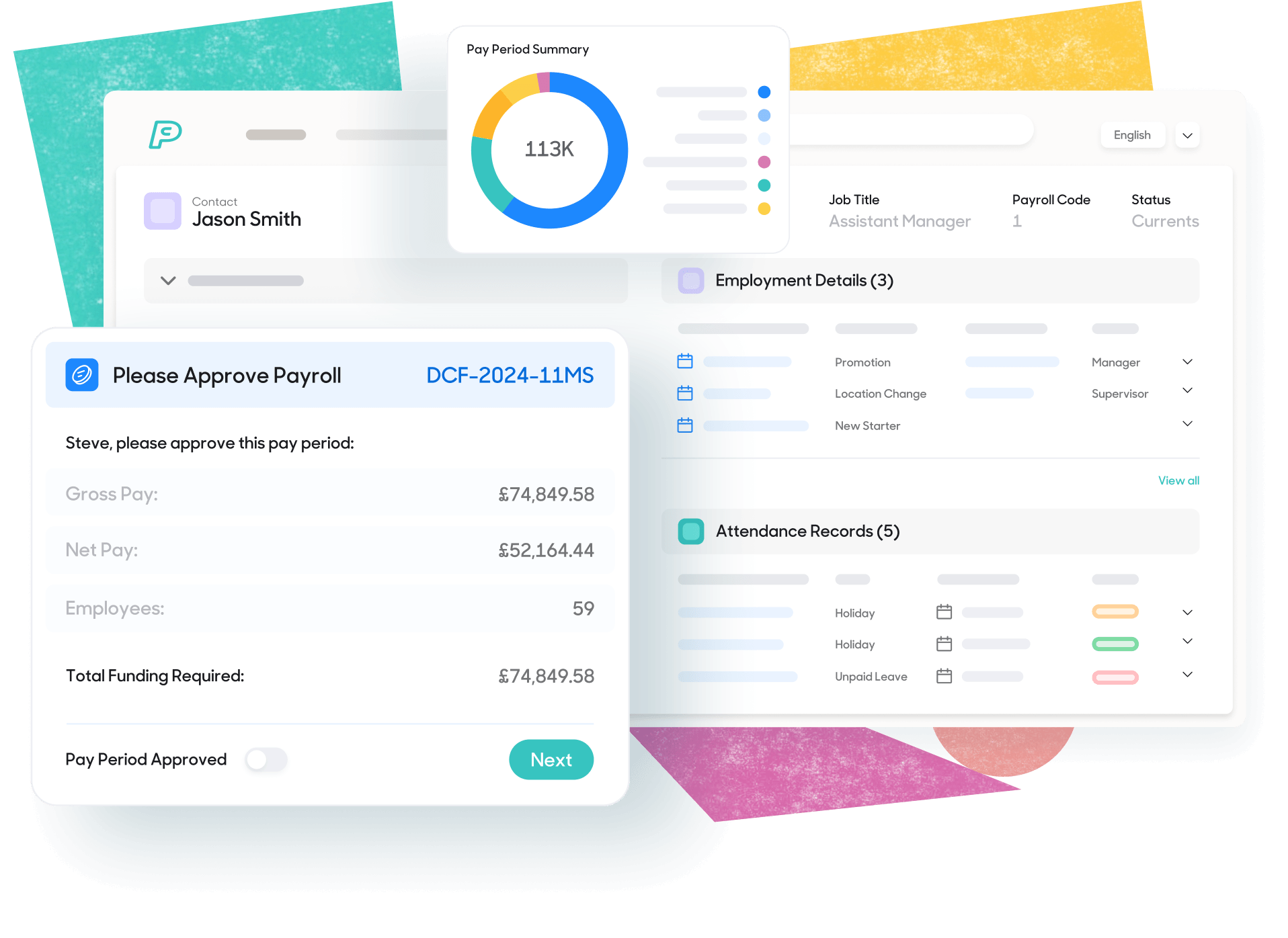
Payroll basics explains what payroll means in practice and how a typical pay run works
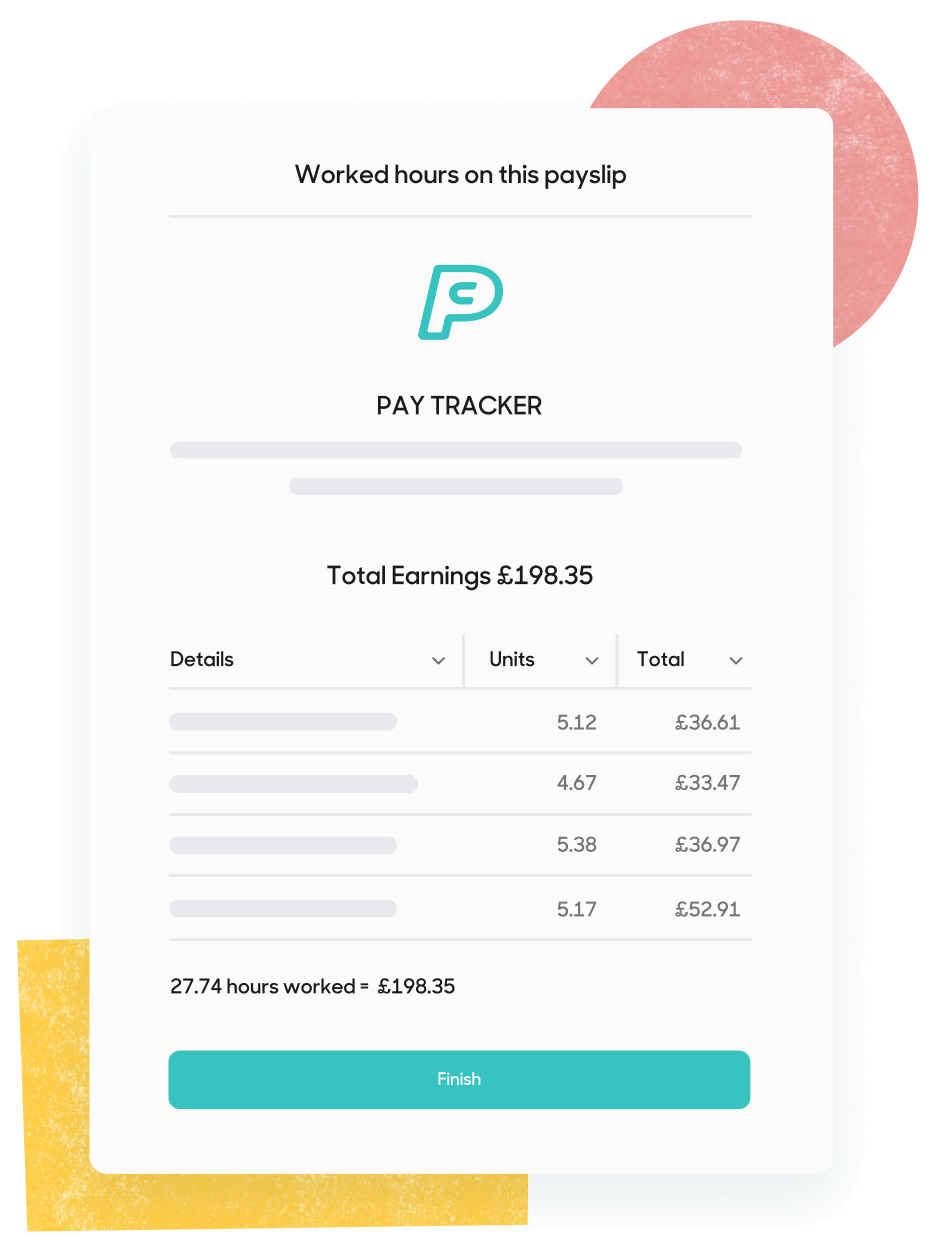
Payroll is the process of working out what employees should be paid and making the right deductions before payday. It starts with gross pay and applies deductions such as income tax or National Insurance, along with pension contributions where these apply. It also covers statutory payments, including Statutory Sick Pay or family related pay when an employee qualifies.
Employers must produce payslips and keep records that show how each figure was reached. Payroll also includes reporting pay details to HMRC through PAYE and RTI. Each pay run should use the correct pay date and accurate year to date figures.
The essentials every UK employer should understand before running a pay run.

PAYE stands for Pay As You Earn. It’s the system used to deduct income tax and National Insurance through payroll. Payroll software calculates what to deduct each payday, then report and pay it to HMRC.

National Insurance is a contribution linked to work and benefits. Employees usually pay some through payroll and employers pay their own amount too. The amount depends on earnings and the employee's NI category.

Gross pay is pay before deductions. Net pay is what the employee receives after deductions. Deductions can include tax, National Insurance, pensions and other authorised items.

A tax code tells payroll how much Income Tax to take. HMRC issues tax codes and can change them during the year. Using the right tax code helps you avoid over or under-deducting tax.

A payroll period is the span of time a pay run covers. Common periods are weekly, fortnightly and monthly. The payroll period links to your pay date, pay calculations and RTI reporting.
Most pay runs follow the same pattern. Employers collect approved pay data, calculate pay, report to HMRC through RTI and then pay employees. Payroll records also need to be kept so each result can be checked later.
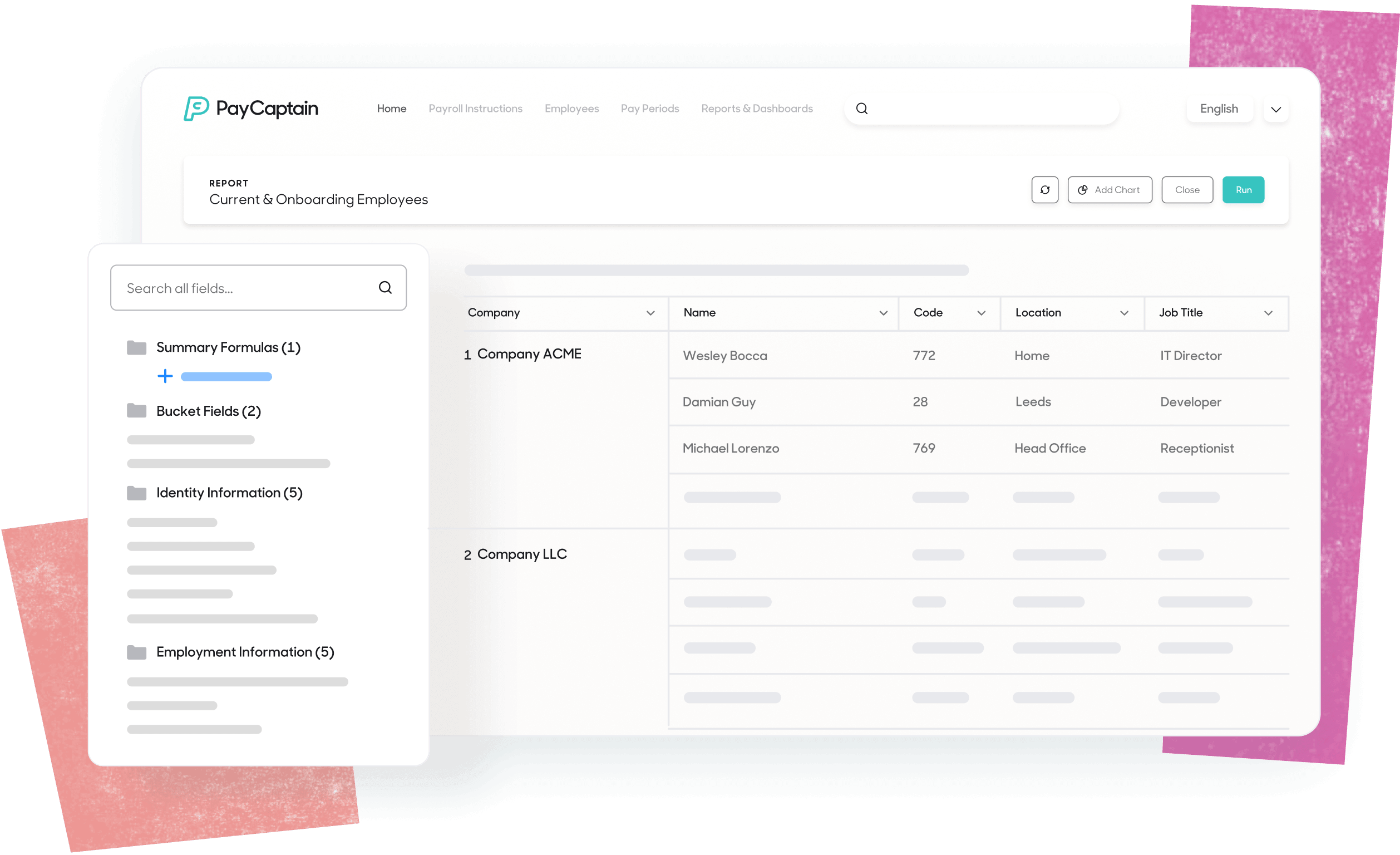

Start with the information that affects pay. This can include starters, leavers, hours worked, overtime or unpaid leave. Some data may come from an HR system or time records, as long as it has been checked.

Work out gross pay for the period. Then apply PAYE deductions such as Income Tax and National Insurance, plus pension contributions where needed. Add any statutory payments the employee qualifies for, such as Statutory Sick Pay.

Check the results before anything is sent to HMRC. Review the pay date and tax codes. Check National Insurance categories and look into any unusual changes. Fix errors, rerun payroll and get approval.

Send a Full Payment Submission (FPS) to HMRC on or before payday. Send an Employer Payment Summary (EPS) when you need to report a reduction, or when no employees were paid in a tax month. Once payroll is approved, pay employees and issue payslips. Employers then pay HMRC and the pension provider by the relevant deadlines.

Keep the main payroll reports and HMRC submission receipts. These records help when an employee raises a query or HMRC checks your payroll.
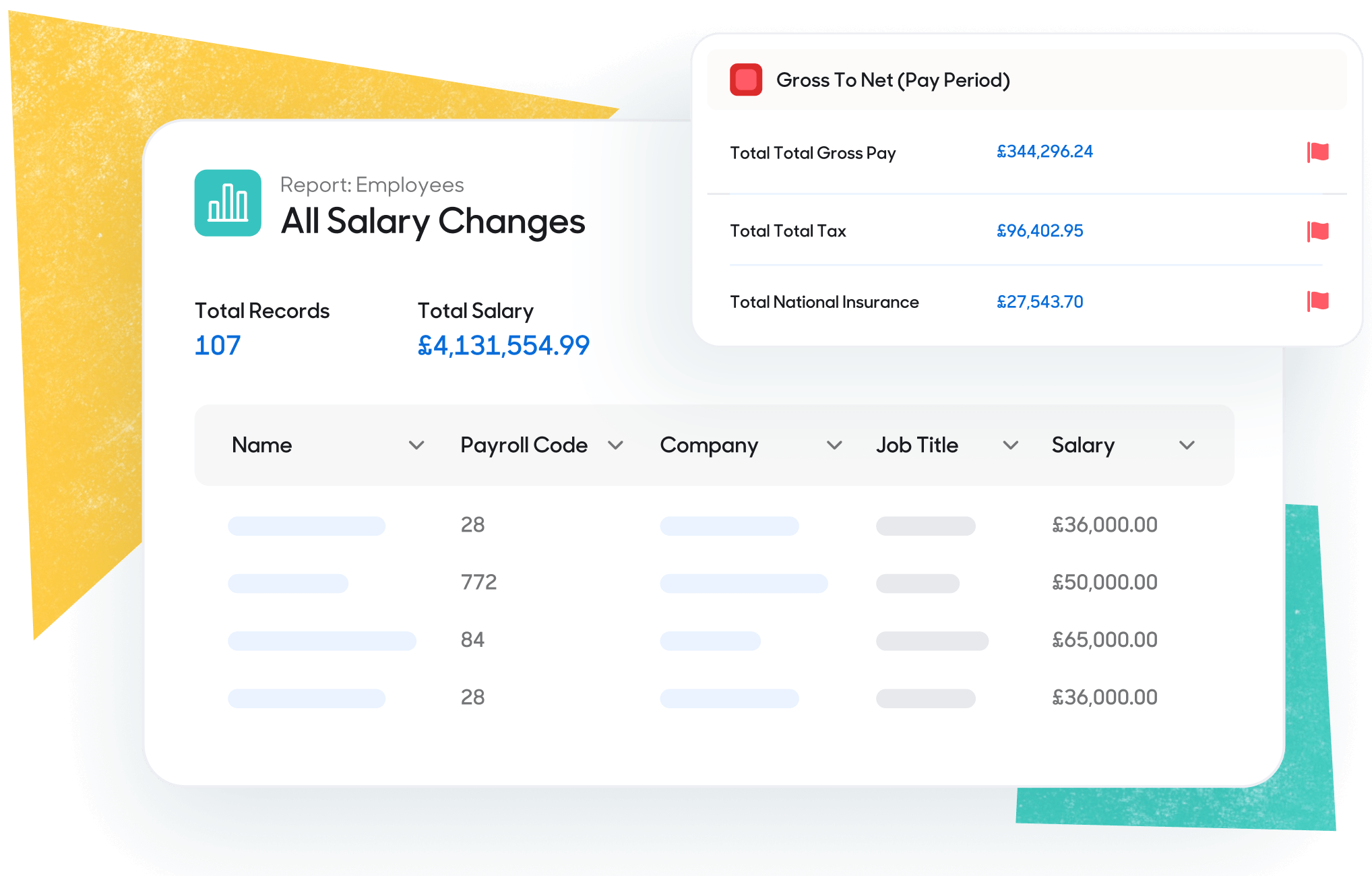
A clear payroll calendar reduces errors and late pay. It also makes pay runs easier. Weekly and monthly pay runs are the usual choices — each one affects cash flow, admin time and staff expectations.
Weekly pay helps staff who rely on regular cash flow. It works well for teams with changing hours. It increases processing time across the year as around 52 pay runs will happen each year.
Monthly pay cuts the number of pay runs. It suits salaried teams with stable pay, but can frustrate hourly paid staff as they may wait longer for overtime or expenses.
A Full Payment Submission (FPS) must be sent to HMRC on or before the day employees are paid. An Employer Payment Summary (EPS) must be sent to HMRC by the 19th of the month following the pay run.
Employers must pay HMRC the tax deducted for PAYE and both employee and employer National Insurance contributions:
HMRC tax months run from the 6th to the 5th. Your pay date decides the tax month. This matters when pay day falls after the 5th — your payroll reports move into the next tax month.
Employers must pay deducted pension contributions to your scheme by the 22nd of the next month. If you pay by cheque, the deadline is the 19th.
Employers are still responsible for payroll, even if they outsource it through a payroll bureau. You still need to make sure pay is right and RTI reporting is done on time. You also need records that show how each pay run was worked out.

Registering as an employer and setting up PAYE

Calculating pay and deductions for each pay run

Paying employees on the agreed date and giving a payslip each time

Reporting pay details to HMRC through RTI and paying HMRC by the deadline

Keeping payroll records that show what was paid and how it was worked out

Calculating pay and deductions for each pay Protecting payroll data and limiting access to it

Collecting starter details and keeping employee records up to date

Meeting workplace pension duties, including contributions — considering options such as salary sacrifice
For more detail, see our payroll compliance page. Larger employers should also be aware of gender pay gap reporting rules and the social care levy.
Explore our other payroll guides and resources.
Explore our other payroll guides and resources.
FPS, EPS and the reporting obligations employers need to meet each payday.
How payroll can help employees feel more in control of their money.

PAYE stands for Pay As You Earn. It’s HMRC’s system for taking Income Tax and National Insurance from employment pay. If you employ staff, you normally run PAYE through payroll, so deductions come off each pay day before you pay net pay.
To calculate deductions, you use each person’s tax code and National Insurance category. After you pay them, you report the pay and deductions to HMRC through Real Time Information. You send a Full Payment Submission on or before payday, then pay HMRC what you owe. If it applies, PAYE can also take student loan repayments and other statutory deductions from pay.
RTI stands for Real Time Information. It’s the system you use to report payroll details to HMRC each time you pay staff. The report includes pay, tax and National Insurance figures for each employee.
RTI keeps your PAYE account up to date and helps HMRC update each person’s tax record. Your payroll software normally prepares the submission, but an employer is still responsible for accuracy. If anything changes or any errors are discovered, you correct it in the next report.
An FPS, or Full Payment Submission, is the RTI report you send to HMRC every time you run payroll. It lists the employees you paid and the pay and deductions for that payday.
An FPS must be sent to HMRC on or before the date you pay your staff. You can send it early, but It shouldn’t be sent too far ahead. If details change before payday, you can send a corrected FPS so HMRC has the right figures. If you send it late without a valid reason, HMRC may charge a penalty.
Gross pay starts with basic pay for the period. For salaried staff, payroll divides annual salary by the number of pay periods. For hourly staff, it’s approved hours multiplied by the hourly rate. Then you add extra earnings for that period, like overtime or bonuses, if applicable.
Net pay is what your employee takes home after deductions. It’s the amount you pay into their bank on payday. It sometimes gets called ‘take-home pay.’
You work out net pay by taking deductions away from gross pay. These often include Income Tax, National Insurance and pension contributions. Some employees also have deductions like student loan repayments or court orders.
Most employers pay PAYE and National Insurance to HMRC each month. Your bill is based on what you reported through RTI for the last tax month, minus any reductions you claimed.
If you pay electronically, HMRC must receive the payment by the 22nd of the next tax month. If you pay by post, it must arrive by the 19th of the next tax month.

We'd love to talk about how PayCaptain can add value to your company and your employees. Click the button below to arrange a demo and see PayCaptain in action!


