
Payroll compliance and legislation guide for UK employers
Payroll compliance in the UK means paying staff correctly and meeting your duties as an employer every time you run payroll. It means applying PAYE deductions properly and reporting to HMRC on time. It also includes statutory payments when staff qualify and keeping records that support each pay run. This guide brings the main UK payroll compliance topics together so you can understand your responsibilities and keep payroll accurate.
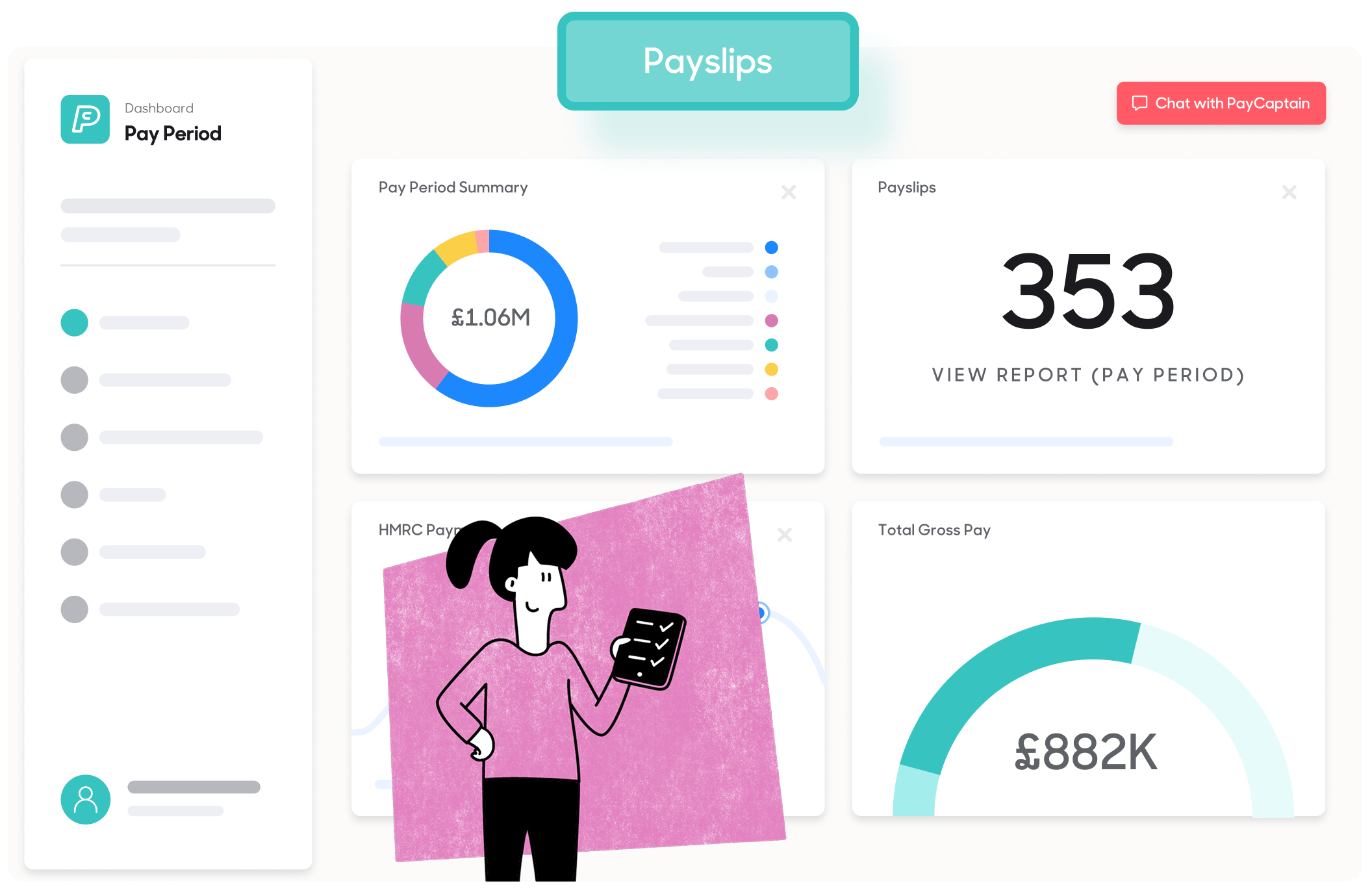
Payroll compliance resources
Payroll compliance explains the rules, reporting requirements and statutory responsibilities UK employers need to follow when running payroll.
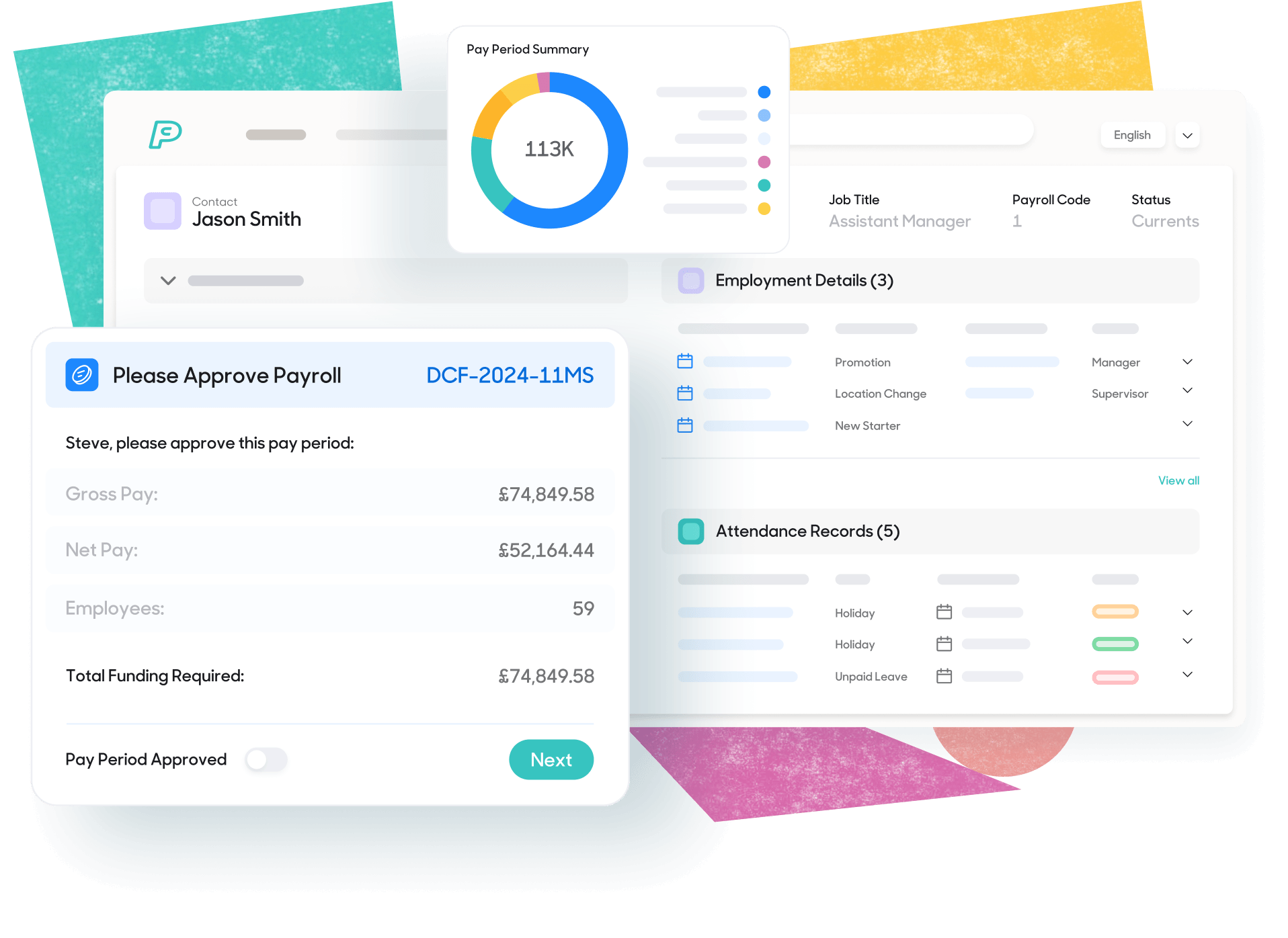
What is payroll compliance?
Payroll compliance is the standard your payroll process needs to meet. It means your payroll follows UK law and produces pay you can explain. Read our payroll compliance guide for SMEs for a broader overview.
A compliant process should calculate pay and PAYE deductions correctly. That includes income tax and National Insurance. It should also report to HMRC through RTI on time and keep records for each pay run.
When an employee qualifies for statutory pay, payroll should apply the right rules. When HMRC or an employee raises a query, you should be able to trace the result clearly.
Payroll also involves personal data, so UK data protection rules apply. The Information Commissioner's Office (ICO) expects employers to control access to payroll data and keep it secure. Employers should also keep data only as long as needed and have a process for staff data requests.

Key UK payroll legislation
UK payroll legislation is a set of legal duties that sit across tax, social security, employment law and statutory payments. As an employer, you’re responsible for applying these rules each time you pay employees and keeping records that demonstrate how each pay result was reached.


Statutory payments and deductions
Statutory payments are payments an employer must make when an employee meets the legal conditions. Common examples include Statutory Sick Pay and family-related payments like Statutory Maternity Pay, Statutory Paternity Pay and Statutory Adoption Pay. The rules and rates differ for each scheme, so payroll needs accurate dates and employee details.
Payroll deductions are amounts taken from pay through PAYE or under another legal or agreed arrangement. Required deductions include income tax and employee National Insurance. Other deductions can include student loan repayments, pension contributions and attachment of earnings orders.

Payroll records and audits
Payroll records show what you paid and what you deducted. They should also match what you reported to HMRC through RTI, including FPS and EPS where relevant. These records matter during payroll checks and audits. They let you review a pay run, trace how a figure was reached and answer questions from HMRC.
Because payroll data is personal data, records should be stored securely and kept only for as long as needed.
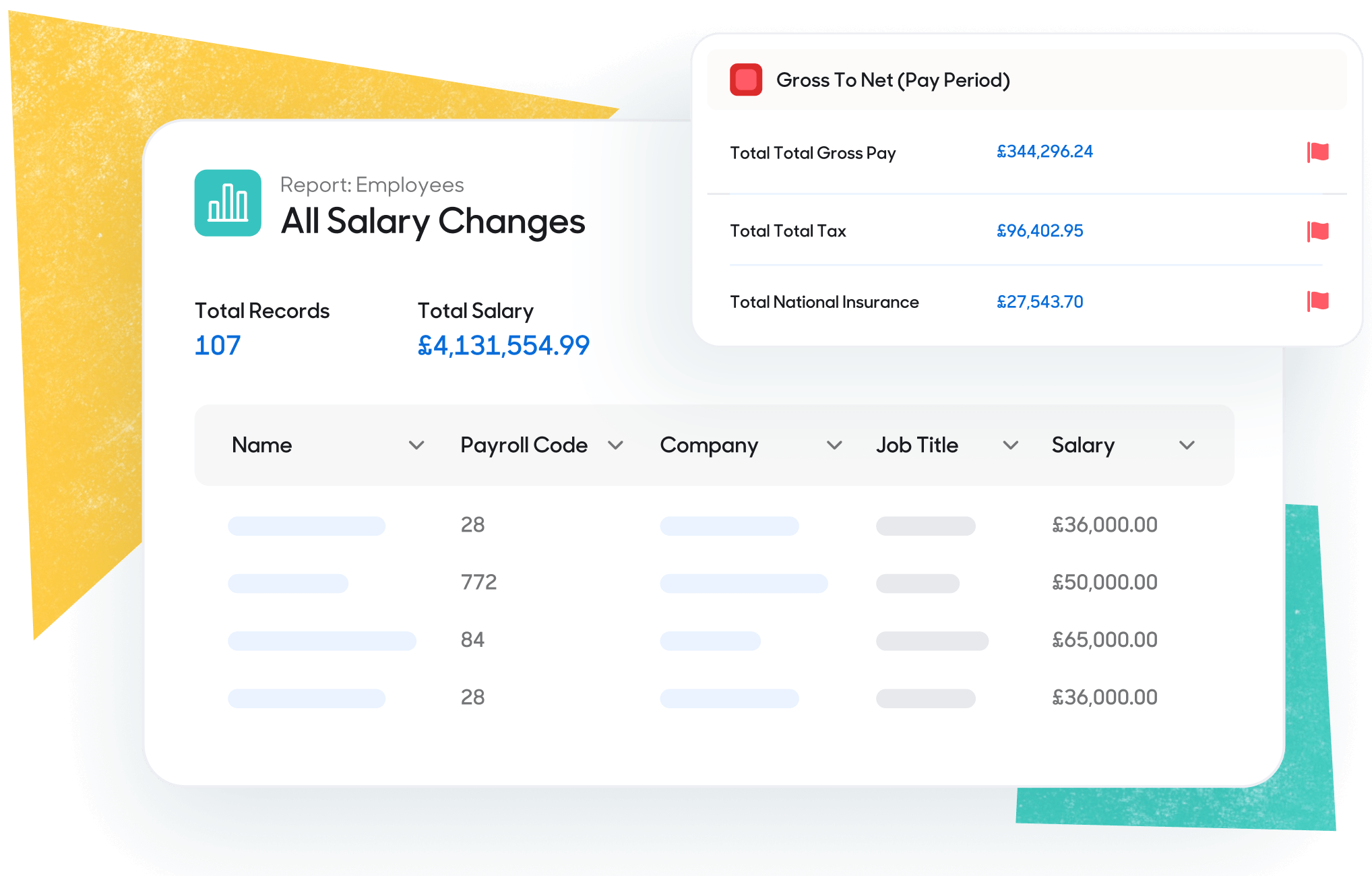
Common payroll compliance mistakes
Payroll compliance mistakes usually start with missing data or weak controls. A late FPS, missed tax code notices or incomplete starter details are occurrences that lead to non-compliant payroll.
Statutory pay may be applied incorrectly or deductions such as student loans or pension contributions may be missed. A defined payroll review process, with checks before submission and payment, helps catch these issues in time.

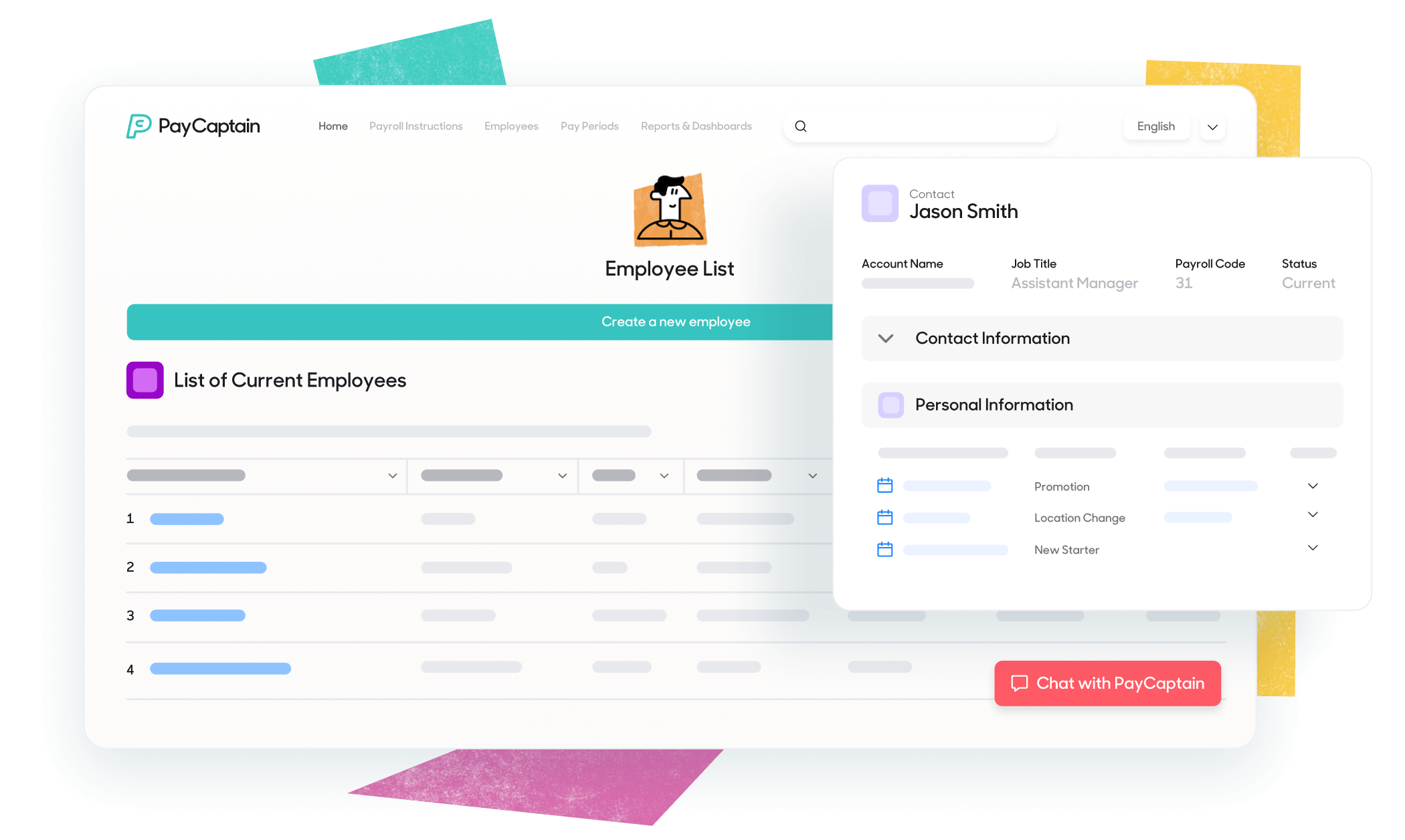
How payroll software supports compliance
HMRC-recognised payroll software helps employers run a more controlled payroll process. It will flag missing starter details or unusual pay changes. It can also support RTI submissions to HMRC and keep records of changes and approvals for audits.
Payroll software doesn't remove the employer's legal duty, but it can reduce manual errors and make payroll checks more consistent.
Further payroll compliance resources
Official UK guidance to keep your payroll compliant and your data secure.

Frequently asked questions about payroll compliance
What happens if my RTI submission is late?
If you submit RTI late, HMRC can charge a late filing penalty. This can happen if your Full Payment Submission (‘FPS’) is late, if you don’t send the expected number of FPS submissions, or if you don’t send an Employer Payroll Summary (‘EPS’) for a tax month where you paid no employees.
HMRC won’t charge a penalty in some situations. The main ones are that your FPS is late but the payments on it are within three days of payday, you’re a new employer and your first FPS is within 30 days or it’s your first late report in the tax year, with an exception for annual schemes.
Are there fines for late RTI submissions and how much are they?
Yes, HMRC can charge a penalty if you send an FPS late. Penalties can apply for each PAYE scheme you run. The amount of the fine depends on how many employees you have.
Employees and monthly penalty
1 to 9 £100
10 to 49 £200
50 to 249 £300
250 or more £400
If you run more than one UK PAYE scheme, HMRC can charge each one.
What payroll records do I need to keep and for how long?
As an employer in the UK, you need to keep PAYE payroll records that show what you paid and what you deducted. This includes pay dates, gross pay, tax, National Insurance, student loan deductions and statutory pay. Keep copies of key notices, like tax codes, plus your RTI submissions.
Keep these records for three (3) years from the end of the tax year they relate to. Store them so you can produce them quickly if HMRC asks. If you run more than one PAYE scheme, you need to keep records for each scheme.
What are the most common payroll compliance mistakes and how do I avoid them?
The most common payroll compliance mistakes are late RTI submissions, wrong pay dates and missed starter or leaver details. Others include using the wrong tax code, misclassifying pay as expenses and poor checks on statutory payments.
Payroll software with exception flags can cut compliance mistakes because it spots issues before you submit RTI. It can warn you about missing NI numbers, unusual pay changes, negative pay, duplicate starters, odd deductions, or a pay date that doesn’t match payday.
You avoid more errors when the software also supports a simple review step. Someone checks the flagged items, fixes the data, then reruns and submits. This matters because software can’t know why something is wrong, but it can spot that it looks wrong.

Start making payroll a breeze
We'd love to talk about how PayCaptain can add value to your company and your employees. Click the button below to arrange a demo and see PayCaptain in action!


