
RTI and HMRC payroll submissions guide
Real Time Information (‘RTI’) is the system UK employers use to report pay, tax and deductions to HMRC each payday under Pay As You Earn (‘PAYE’). This includes employee pay, income tax, National Insurance and other deductions.
HMRC uses RTI to keep employee tax records up to date. It also checks that employers report on time and use the correct pay date. HMRC sets the RTI rules and publishes guidance on GOV.UK.
RTI and HMRC submissions resources
RTI and HMRC submissions help employers understand how payroll data is reported to HMRC, including FPS, EPS and key deadlines.

What is RTI?
RTI is the UK payroll reporting system under PAYE. It requires employers to report payroll figures to HMRC each time they pay their employees.
RTI keeps employee tax and National Insurance records up to date. It helps HMRC calculate what employers owe and check that reporting matches pay dates. It can also support wider public services that rely on payroll data, including Universal Credit, tax credits and student loan repayments
HMRC payroll reporting obligations
HMRC reporting obligations require employers to send payroll information through RTI under PAYE. Pay, tax, National Insurance and other deductions must be reported each time employees are paid.
RTI reporting is done through payroll submissions, mainly the Full Payment Submission (‘FPS’) and Employer Payment Summary (‘EPS’). An FPS must be submitted for each pay run, whether scheduled or ad hoc, based on payroll frequency. FPS information should be submitted on or before the date you pay employees.


FPS v EPS

Full Payment Submission (FPS)
An FPS shows employee pay and deductions for a pay run. Employers send it to HMRC on or before payday. It includes pay, income tax and National Insurance for each employee. HMRC uses it to update PAYE records.

Employer Payment Summary (EPS)
An EPS reports adjustments to what the employer owes HMRC. This can include statutory payment recovery, Employment Allowance, CIS deductions suffered or the Apprenticeship Levy. If no employees are paid in a tax month, send an EPS instead of an FPS — it should reach HMRC by the 19th of the following tax month so any reduction is applied.


Common RTI reporting errors
Most RTI reporting errors come from late submissions or the wrong pay date. An FPS must be sent on or before payday. HMRC also expects the pay date in RTI to be the normal payday, even when staff are paid early or late.
Frequent errors include:

Sending an FPS after payday

Using the early payment date instead of the normal payday

Missing an EPS in a no-payment month, which can lead to an estimated charge

Sending an EPS after the 19th of the following tax month, so any reduction is applied late
Errors also happen when records are changed without care. Changing a payroll ID can create a duplicate employment in HMRC records. For mistakes in the current tax year, employers should usually correct the next FPS by updating the year to date figures.

How payroll software simplifies RTI
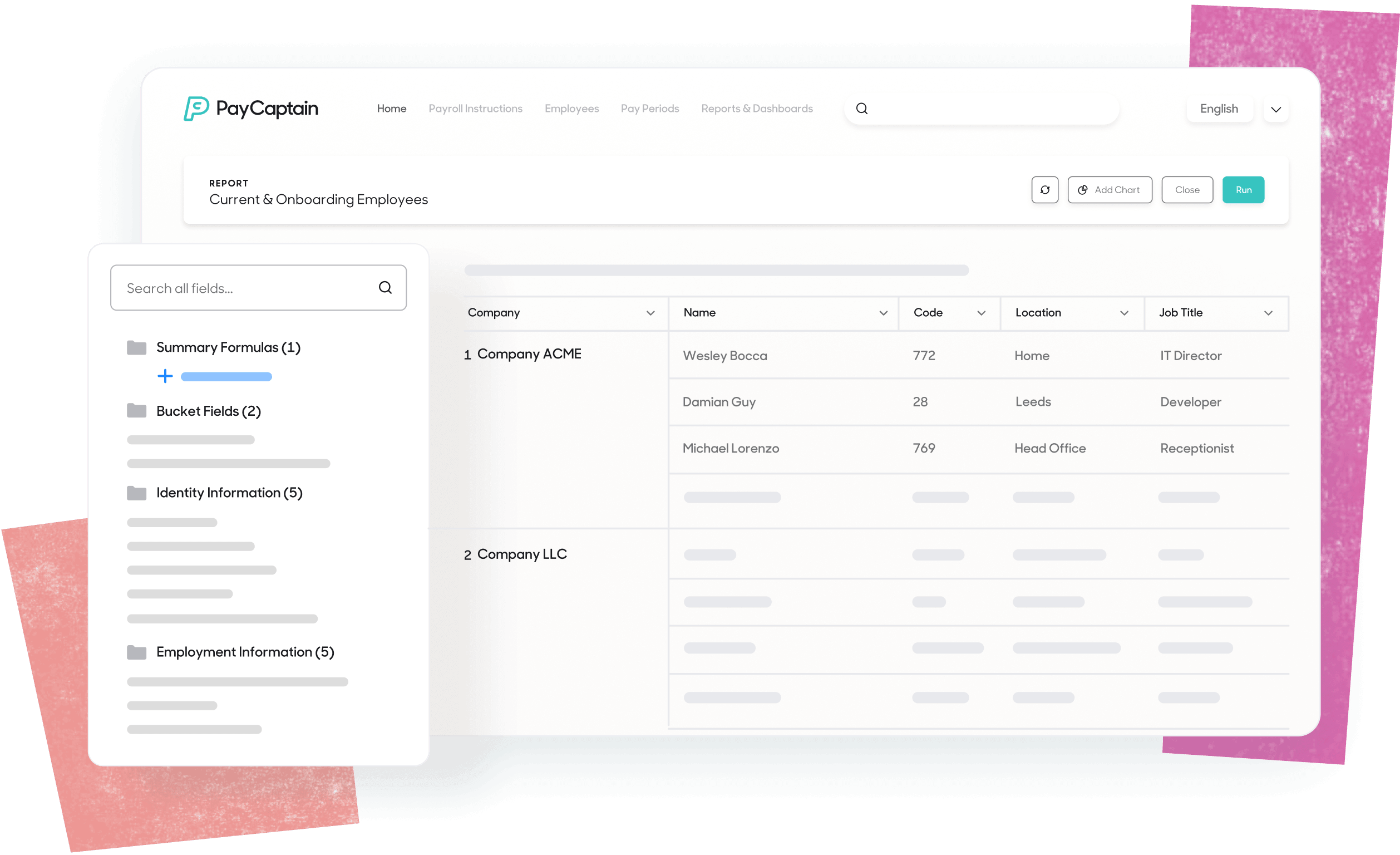
HMRC-recognised payroll software prepares RTI submissions in the format HMRC requires. It pulls figures from the pay run and creates the data needed for PAYE reporting.
Many systems flag missing employee details or a pay date that doesn't match the normal payday. Some can send FPS and EPS submissions to HMRC and keep a record of receipts or errors.
Software can also keep year-to-date figures up to date, which helps when corrections need to flow into a later FPS. It should record who changed payroll data and who approved the pay run.
Payroll software doesn't remove the employer's legal duty. Employers still need accurate inputs and a defined review process before they submit RTI.
HMRC resources and external links
Official HMRC guidance to support your RTI reporting.

Frequently asked questions
When do I submit an FPS to HMRC?
You need to submit an FPS each time you pay employees. It’s due on or before the pay date you report in payroll. This includes your scheduled pay runs and for any ad hoc payments you make, for example, for a payroll correction.
When should I submit an EPS to HMRC?
Employers should submit an EPS when they need to report adjustments or reductions to what’s owed to HMRC. Examples include reclaiming statutory payments and compensation, claiming Employment Allowance or reporting CIS deductions suffered by a limited company.
If you paid no employees in a tax month, you should submit an EPS instead of an FPS. You should send it by the 19th of the next month, following the period where no employees were paid.
What happens if my RTI submission is late?
HMRC can charge a late filing penalty for late reports. Penalties can apply for each PAYE scheme you run. The amount of the fine depends on how many employees you have.
Employees and monthly penalty
1 to 9 £100
10 to 49 £200
50 to 249 £300
250 or more £400
Some late reports won’t be penalised, based on HMRC rules.
Do I need to submit RTI if I pay no employees?
Yes, you still need to tell HMRC if you don’t pay any employees for at least one tax month. You do this by sending an EPS by the 19th of the following month.
How do I correct an FPS or EPS if I make a mistake?
For mistakes in the current tax year, employers can update the year-to-date figures in their next regular FPS. HMRC has different rules for the final FPS of the year, depending on the type of mistake and when it’s discovered.

Start making payroll a breeze
We'd love to talk about how PayCaptain can add value to your company and your employees. Click the button below to arrange a demo and see PayCaptain in action!


