

Payroll journals sit at a key point in the finance process. They turn payroll data into accounting entries that hit the ledger.
When the process is manual, the risk builds quickly. A small mistake in one journal can create extra work at month-end. It can also affect payroll reporting and reconciliations, as well as audit checks.
Automated payroll journals help finance teams move from re-keying data to reviewing it, with stronger controls around the numbers that matter most.
What are payroll journals and why do they matter?
Payroll journals are accounting entries created for each pay run. They record the financial effect of paying employees for that period. In simple terms, they show what the business owes, what the business has paid and where those amounts sit in the accounts. They link payroll to the general ledger.
A payroll journal will usually capture:
- Gross pay before deductions
- Employee deductions such as tax, National Insurance, pension contributions and student loan repayments
- Employer costs such as employer National Insurance and employer pension contributions
- Net pay, which is the amount paid to employees
- Liabilities owed to HMRC or pension providers
In UK accounting, payroll journals are created at the end of a pay run. They’re then posted into the general ledger.
The journal follows the basic rules of double-entry accounting. That means some values are posted as debits and others as credits. For the journal to balance correctly, the total debits and total credits must always match.
A typical payroll journal will often include:
- Debits to wages or salary expense
- Debits to employer National Insurance and employer pension expense
- Credits to PAYE and National Insurance liabilities
- Credits to pension liabilities
- Credits to net pay or bank
Payroll is one of the biggest costs in many businesses. If the entries are wrong, the effect goes beyond payroll:
- The profit and loss account can be misstated
- The balance sheet can carry the wrong liability values
- Cost centre reporting can also become less reliable
See what stronger payroll control looks like
Payroll journal audit trails
Payroll journals also matter because they create an audit trail. Finance teams need to show how payroll numbers move into the ledger. It links reconciliations and reporting. This is critical for larger businesses and enterprise organisations where governance and audit-readiness is essential.
Payroll journals also help with management reporting. When they’re mapped properly, labour costs can be tracked by department, project or cost centre, giving the finance team better data for budgeting and review.
While payroll journals might look like a back-office task, they have a direct effect on control. They also shape how much trust finance can place in reporting.
Common problems with manual payroll journals
Manual payroll journals often rely on spreadsheets and direct re-keying into the accounting system, which leaves more room for errors and weakens control. A common issue is simple input error. A transposed figure can change wage costs or liabilities. A wrong nominal code can send the value to the wrong account.
There’s also the problem of inconsistent calculations. Manual spreadsheets can apply rules badly, or hold outdated logic, which can also lead to wrong journal amounts.
Timing is another weak spot. A journal posted into the wrong month can affect month-end reporting. Errors like this make year-end work much harder than it needs to be.
Manual payroll journals can also leave liability balances hanging in the ledger. If payments to HMRC or pension providers are not cleared properly, reconciliations become messy.
Control can weaken too. In many manual setups, changes sit in email chains or personal spreadsheets. That makes it harder to see who changed what, when and why.
The most common problems with manual payroll journals usually fall into a few groups:
- Typing and rekeying errors
- Wrong calculations or outdated spreadsheet logic
- Journals posted to the wrong period
- Liabilities not cleared after payment
- Poor audit trail
- Weak segregation of duties
- Mismatch between payroll totals and HMRC submissions
- Extra time spent chasing errors
- Version control issues across spreadsheets
- Wider access to sensitive pay data than finance would want
There’s also a scale problem. A manual journal process may feel manageable at first., but as the business grows it becomes more time consuming and complex.
More employees mean more lines, more checks and more room for something to go wrong. In the case of enterprise payroll, when you add in multiple cost centres, complex benefits, bonuses or salary sacrifice, the process gets harder again.
If this is the case, the finance team can end up spending hours reworking journal files. Time that should go into analysis is used up on admin and error checks.
Security is another concern. Spreadsheet-based payroll journals are often stored on shared drives or local machines. This raises the risk of unauthorised access or accidental sharing of salary data.
Manual payroll journals don’t always fail in dramatic ways - often, they fail in slow and expensive ways. They create friction, pull time from the team and leave more gaps in the process.
Reduce payroll journal errors before they reach your ledger
How automated payroll journals work
Automated payroll journals are created by payroll software, rather than built by hand. The system takes the payroll output from a pay run and turns it into journal entries automatically:
- The process usually starts with the payroll run itself. Employee pay data is captured in the payroll system. The data includes hours, salary, overtime, absences, tax codes, pension status and other pay elements.
- The payroll system then applies the relevant rules to calculate pay. In the UK, that includes tax, National Insurance, pension auto-enrolment and other deductions.
- Once the pay run is complete, the system uses that same payroll data to create the journal. This matters because the figures aren’t being rekeyed into a second process.
Instead, the same numbers used for payslips are used for the journal. That reduces the gap between payroll and finance.
To do this, the system needs a mapping setup. This links payroll items to the chart of accounts.
For example, gross pay can be mapped to wage expense accounts. PAYE and National Insurance can be mapped to liability accounts. Pension values can be mapped to the right pension expense and liability codes.
Journal mappings can also be built around specific pay codes and expanded using job codes, department codes, location codes or cost centres. This means businesses can split payroll costs automatically for teams, sites, projects or legal entities without needing to adjust the journal manually after the pay run.
This mapping is usually set up once, then reused for each pay run. It can also be set by cost centre, department or entity where needed.
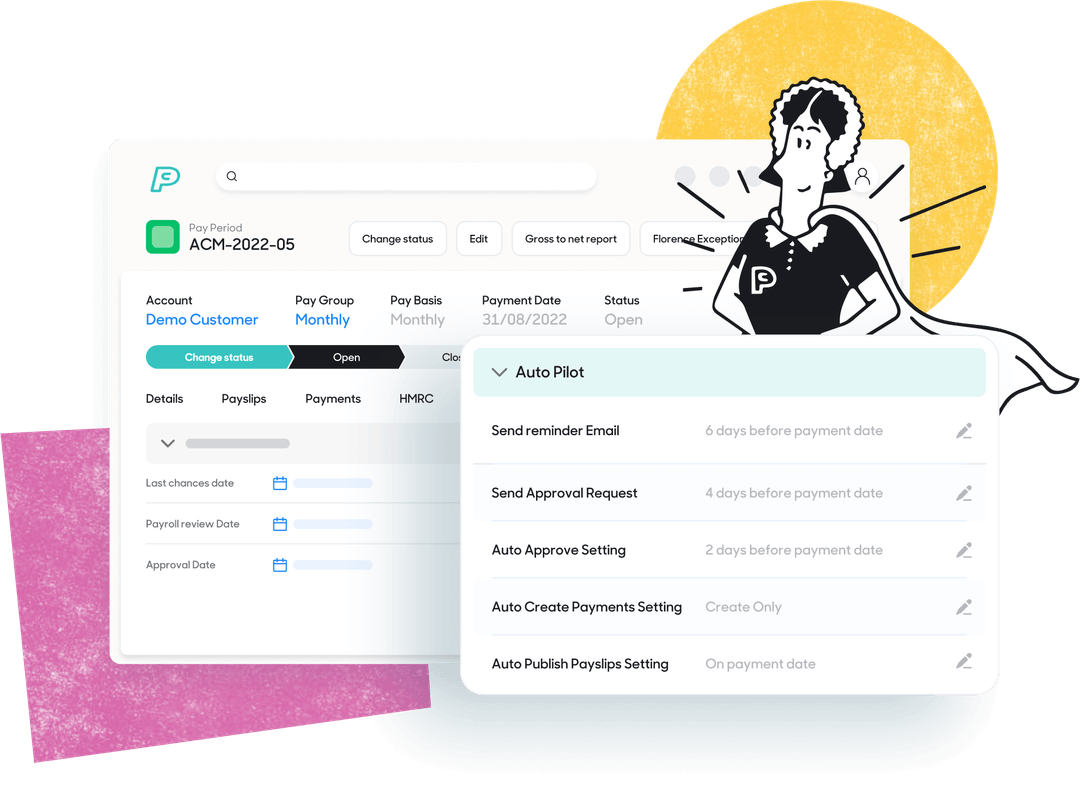
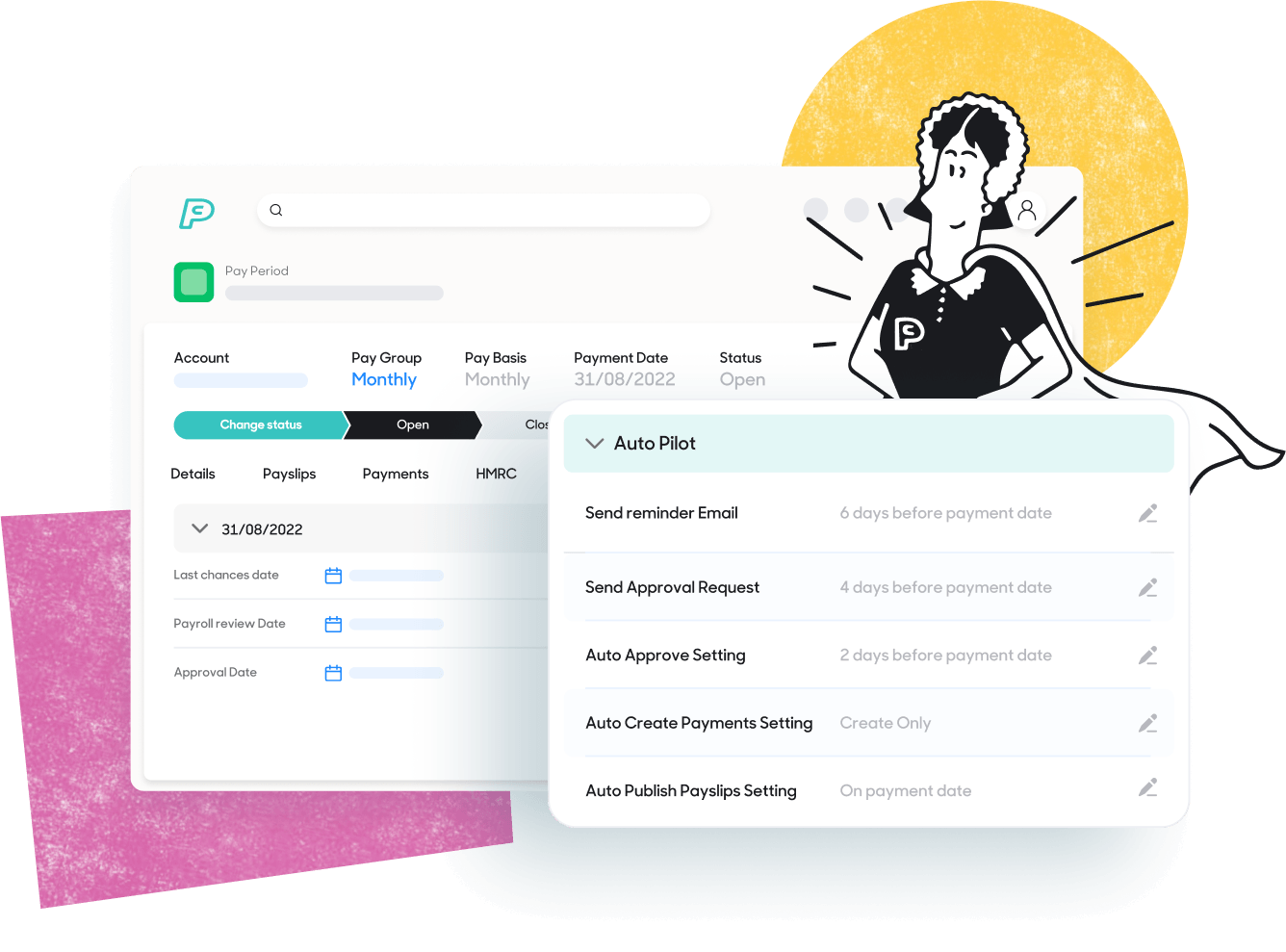
Once the mapping is in place, the software generates the journal entries automatically. It creates the debits and credits based on the payroll results. The journal can then be exported, or posted into the general ledger, depending on how the system is set up. Finance will usually review the journal before it’s posted.
The review step is useful as it gives finance a chance to check the output without rebuilding it from scratch.
Payroll reconciliation and auditing
A strong payroll automation process also supports reconciliation. It means finance can compare the payroll register to the journal and see that the numbers match.
It should also log activity in the system. The activity includes who ran payroll, who approved it and when the journal was generated or posted.
If a pay run is corrected or rerun, the journal process should handle that cleanly. The best setup creates reversing and replacement entries without sending finance back into spreadsheets.
How do automated payroll journals work?
Automated payroll journals take payroll data from a completed pay run and use pre-set account mapping to build the journal. It means the payroll journal is created from the same source data used in payroll. Automation gives finance a tighter path from payroll to the ledger, with fewer manual steps.
New pay items, new benefits or new cost centres should be mapped properly when they are introduced. Automation is strong, but it still depends on sound setup and good governance.
Give finance a cleaner route from payroll to ledger
The benefits of payroll journal automation for finance
The biggest benefit of payroll journal automation is lower risk and better payroll compliance. With fewer manual steps, there is less chance of a payroll value being entered incorrectly. This has a direct effect on finance as the team spends less time fixing errors and more time reviewing output.
Payroll automation also supports stronger internal control:
- Changes can be logged in the system
- Approval steps can be built into the process
- Finance can see who did what and when
It makes month-end easier to manage and gives auditors a cleaner trail from payroll data to ledger entries.
Another benefit is speed. With automated journals, finance doesn’t need to build journals from payroll reports each cycle. The journal is already prepared from the payroll run. This cuts admin time and helps the team keep pace when deadlines are tight.
There’s a reporting benefit too. When payroll journals are mapped in a consistent way, labour costs land in the right place each time.
That improves:
- Department reporting
- Cost centre tracking
- Budget checks
- Variance analysis
- Headcount review
Better payroll journal data supports better finance decisions. It gives the team more confidence in what they’re looking at.
Payroll automation also helps with statutory alignment. The same payroll engine that supports RTI submissions is also producing the journal values which keep payroll reports and ledger entries in step.
Automation doesn’t remove the need for review, but it does reduce the chance of mismatch created by manual handling.
For growing businesses, payroll journal automation also scales better. More employees in the payroll shouldn’t mean the same rise in finance admin. Growth often puts pressure on finance teams long before more headcount is added to finance.
If the journal process stays manual, pressure builds fast. If payroll automation handles the journal step, the process stays more stable as the business becomes more complex.
Security improves as well. Payroll journals can stay inside the system rather than being passed around in spreadsheet files. Access can be limited by role. This lowers the risk of the wrong person seeing salary information. It also lowers the risk of teams working from the wrong version of a file.
In practice, the benefit is time saved and a cleaner control environment.
Finance teams get:
- Fewer manual errors
- Better cut-off control
- Stronger audit support
- More reliable cost reporting
- Less spreadsheet risk
- More time for analysis
Payroll automation is a strategic benefit. It gives finance more room to focus on exceptions, trends and decision support, instead of rebuilding data that already exists.
See how PayCaptain reduces payroll journal risk
What to look for in payroll journal automation
Not all payroll automation will give finance the same level of control.
The first thing to look for is sound UK payroll handling. The system should be HMRC-recognised payroll and support RTI and statutory rules.
It should also keep up with tax year changes, HMRC updates, National Insurance thresholds and statutory deductions. Finance shouldn’t be left checking whether the system has caught up.
The second thing is mapping. Payroll journal automation should let you map payroll items to your chart of accounts properly.
That includes gross pay, tax, National Insurance, pension, benefits and other pay elements. It should also support cost centres, departments or entities where needed.
A fast journal is not enough on its own. The journal also needs to land in the right place.
A good checklist would include:
- Strong UK payroll rule handling
- HMRC RTI support
- Updates for tax and statutory changes
- Configurable nominal code mapping
- Cost centre and department mapping
- Support for employer and employee deductions
- Support for bonuses, overtime, commission and salary sacrifice
- A clean journal export or posting process
- Approval controls
- Audit logs
- Reconciliation tools
- Secure role-based access
Processes to consider in payroll journal automation
- Re-run handling matters. Payroll corrections happen. When they do, the journal process should cope without manual workarounds. Finance should be able to see reversing and replacement entries where needed. They shouldn’t need to rebuild the full journal by hand.
- Usability counts. Once payroll is complete, finance should be able to generate the journal quickly. A one-click flow is far better than a process that still needs heavy manual effort.
- Reconciliation tools are worth close attention. Finance should be able to compare payroll totals to journal totals without leaving the system as it helps spot issues earlier.
- For more complex businesses, flexibility matters. Multi-entity and multi-cost-centre support can save a lot of manual splitting later. So can support for different pay elements.
- Security and governance should be part of the review as well as payroll data is sensitive. The system should be ISO27001 certified. It should reduce reliance on spreadsheets, keep records inside the platform and limit access by role. Audit-relevant information should be easy to retrieve when needed.
- Support matters too. Finance teams work to fixed dates. Payroll and month-end do not leave much room for delay. A payroll automation setup should be backed by a team that can support key periods, system updates and change points. That becomes even more useful when new pay items or structures are introduced.
- If you’re switching payroll providers, this is also a good opportunity to simplify or restructure payroll journals. Many businesses carry over overly complex mappings, duplicate cost centres or manual spreadsheet adjustments from older systems. A payroll migration gives finance teams the chance to review how journals are structured, remove unnecessary steps and standardise mappings across the organisation. Simplifying the journal structure at the implementation stage can make reconciliations, reporting and month-end processes much easier to manage later.
A sensible way to judge payroll journal automation is to ask a simple question. Does this process remove manual risk, or just move it somewhere else? If the mapping is weak, the controls are light or the process still leans on spreadsheets, the benefit will be limited. If the setup is strong, finance gets a much safer route from payroll to the ledger.
Final thoughts from PayCaptain
Payroll journals may not get much attention when finance systems are discussed, but they should. They sit close to risk, reporting and control.
When the process is manual, finance carries more of that risk than it should. The team ends up re-keying, checking and cleaning data that already exists.
Automated payroll journals change that. They create a more direct link between payroll and the ledger, with fewer gaps in the process.
Payroll journal automation is more than just a time saver. It helps finance teams protect the numbers and support audit work. With automated payroll journals, finance can spend more time on strategic work that adds value.
See how payroll automation works